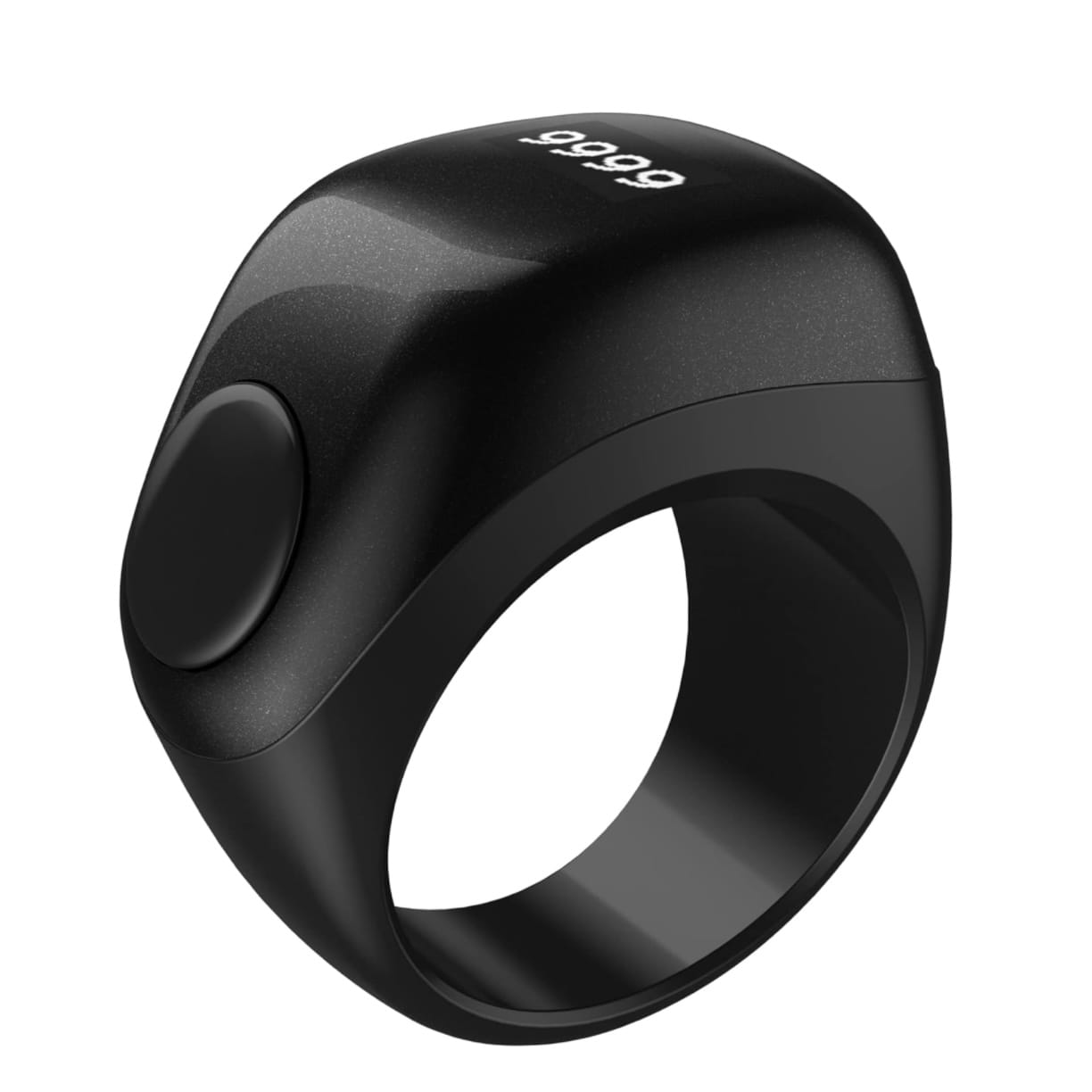
iQibla
iQibla Smart Zikr Ring,Tasbih Counter ZR 05
0.00
1
In Stock
Free Shipping
6 Month Warranty
Easy Returns
- Wake up the screen and display the home screen before APP binding, the main screen is a tasbih counter but after binding, the main screen is a time display.
- Short press the button when displaying the time interface to enter the tasbih counter.
- Long press the button when displaying the main screen or tasbih counter interface to start a new count.When the tasbih counter is zero, long press to display the Bluetooth address.
- Connect E-Zikr: Use your smartphone to scan the QR code below to enter Google Play or App Store to download E-Zikr. Enter the ado device interface and select "Zikr Ring". Select the device to connect with Bluetooth. Complete the binding of the Zikr Ring.
- Tasbih Count: After the screen is turned on, use the button to make tasbih. When the count reaches 33,66,99,100, the Zikr Ring will vibrate once.
- Re-counting: Long press the button for 3 seconds, and Zikr Ring will restart counting and save the last tasbih count record.
- Synchronization: Open the APP, Zikr Ring will automatically synchronize the tasbih counting data to the APP once you use it again.