1 of 1 products
Buying guide
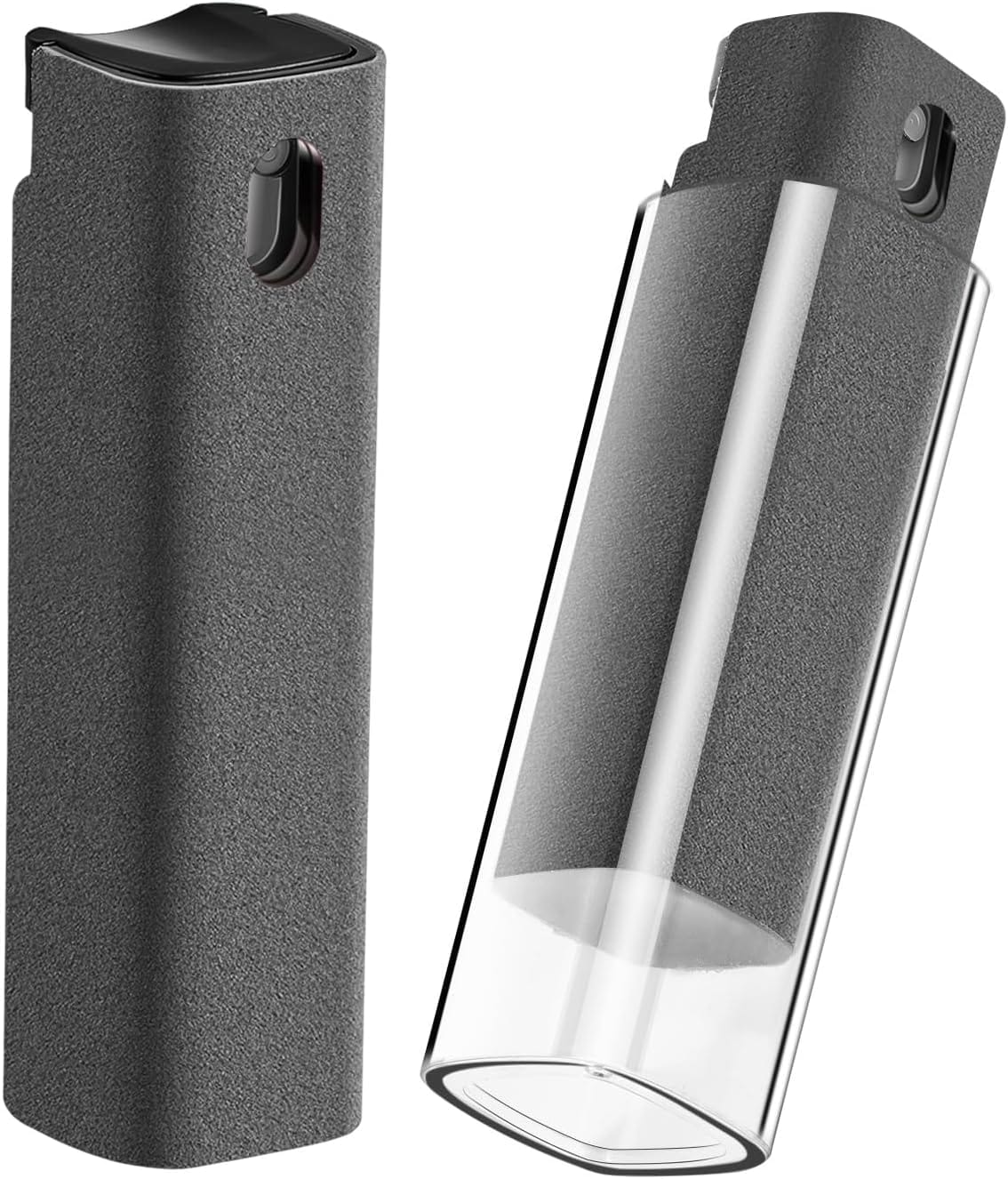
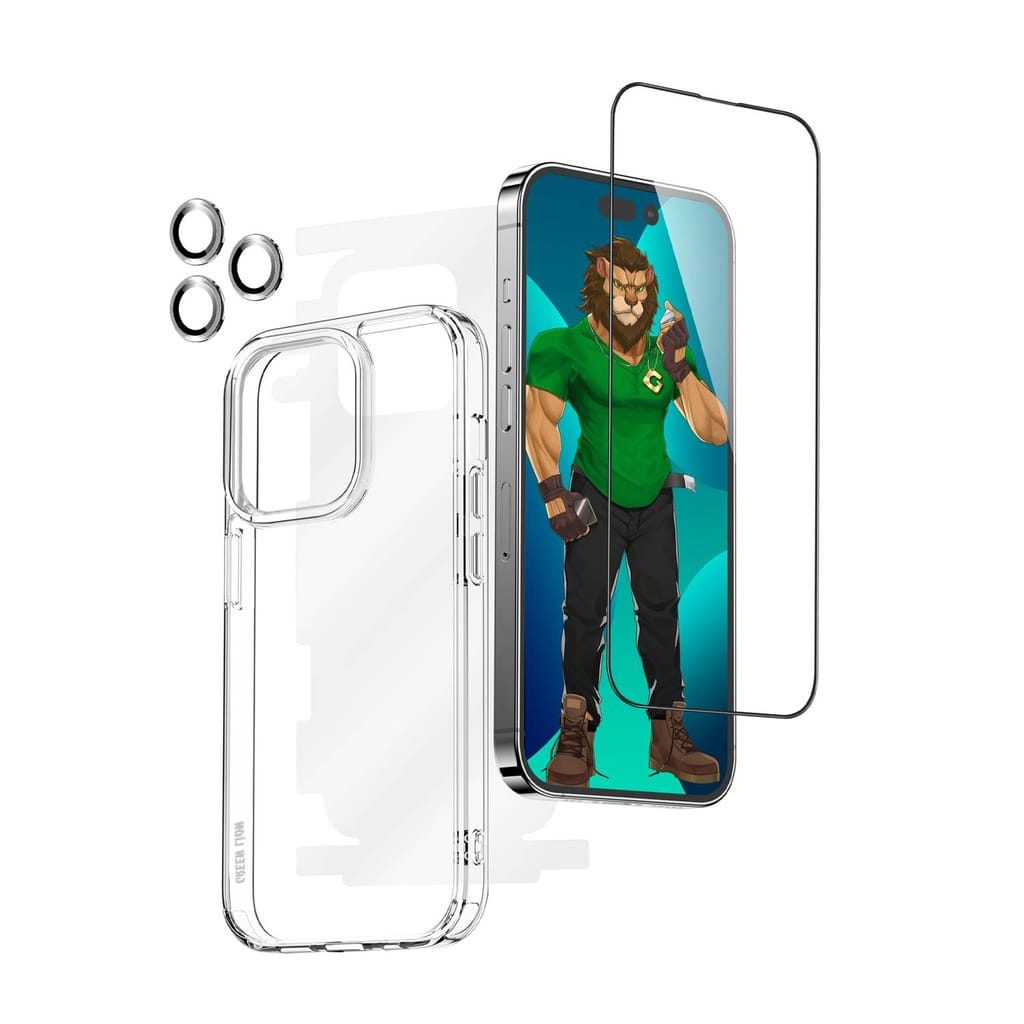
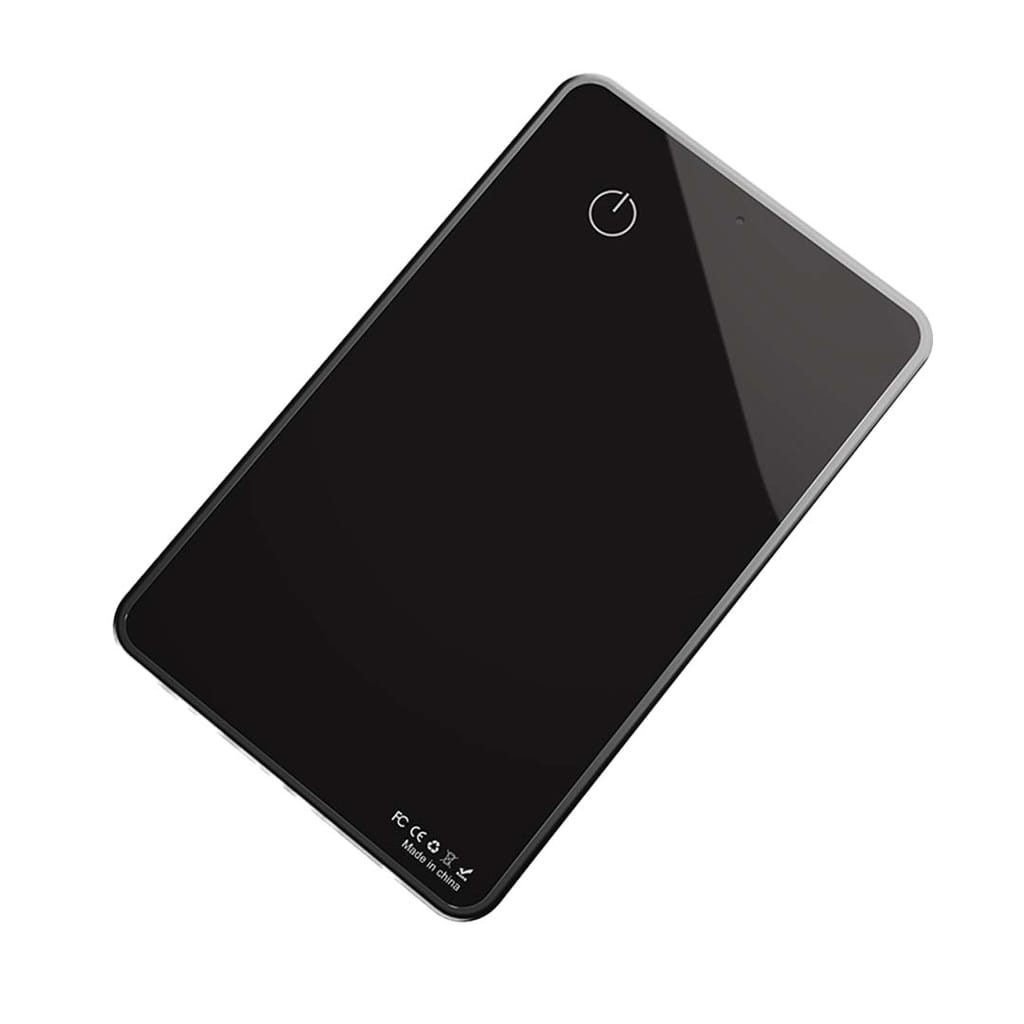
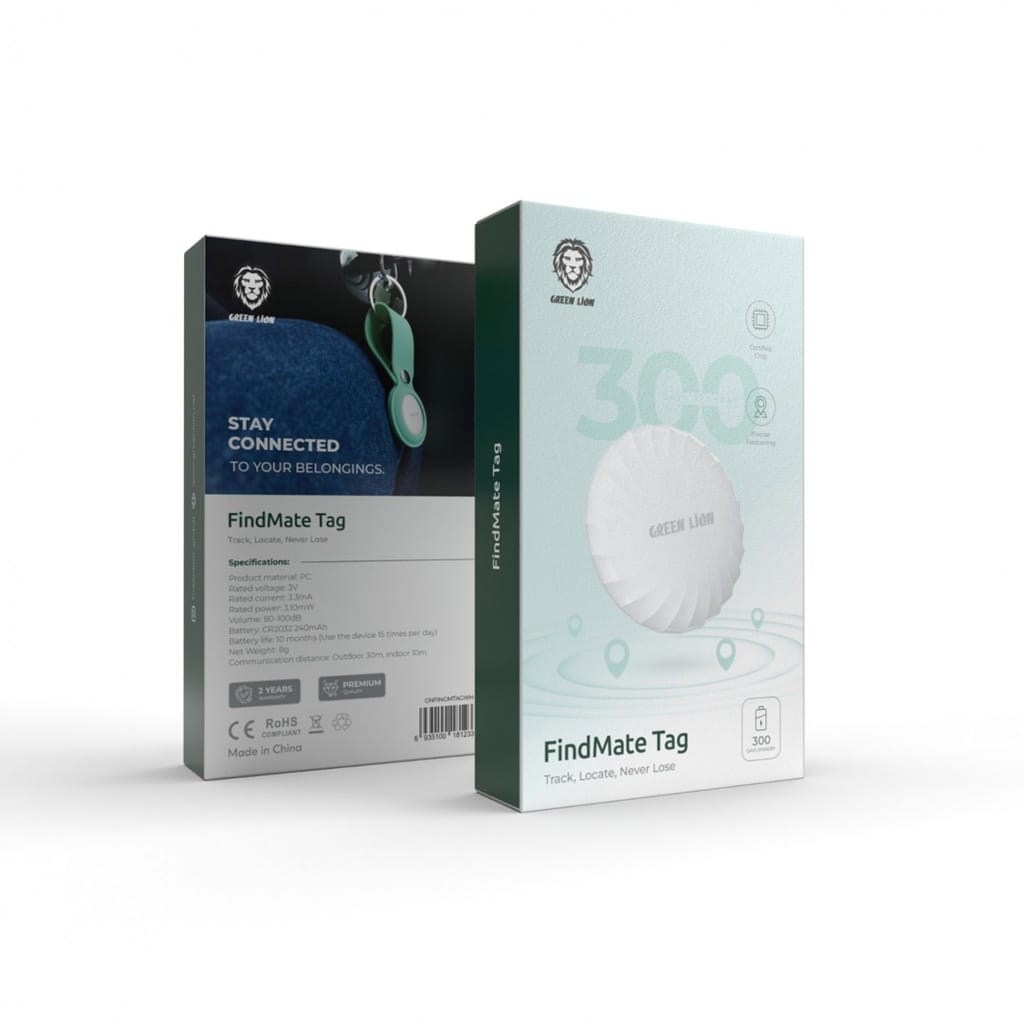
This section covers four small phone accessories: smeared screens, an unprotected camera lens, and valuables lost in the sofa. The Green Lion Screen Cleaner, All-in-One Spray & Wipe Cleaner handles the first, the Green Lion 4 in 1 360° Protection Pack - iPhone 14 Pro Max the second, and the Green Lion Wallet Mate Card Finder and Green Lion FindMate Tag the third.
Two rules for the cleaner. Spray the cloth, never the phone: liquid forced into a screen edge creeps under the bezel and causes black patches. On an OLED panel, let the cleaner dry instead of wiping in circles, because dried-on spray leaves a sticky film.
The protection pack is model-specific, and that is the one thing to verify before you pay. It is cut for the iPhone 14 Pro Max: on any other phone the tempered glass floats at the edges or does not cover the display. Buy the pack for your own model.
The trackers work the same way — Bluetooth signals your phone reads — so they show how close an object is, not an exact location. The card finder is card-sized for a wallet; the tag is the smaller option for keys. Keep them out of a hot parked car, where 45–50 °C ages the battery.
Delivery takes one to two business days: 12 AED flat below 150 AED, free above, payable by card, Tabby, Tamara or cash on delivery. Returns run seven days from receipt, with return shipping usually yours.
Frequently asked questions
Will the 4 in 1 360° protection pack fit my phone?
Only if your phone is the iPhone 14 Pro Max, which is the model this pack is made for. The tempered glass is cut for that screen and the camera lens guard for that camera module, so on another phone you get a glass that floats at the edges or stops short of the display, and a guard that covers the wrong part of the lens. Check the model number in your phone's settings before ordering. If it is a different model, buy that model's pack — a badly fitted protector traps bubbles and can sit proud of the screen, which makes a case fit tighter.
How do I use the screen cleaner without damaging my phone?
Spray the cloth, never the phone. Liquid sprayed directly onto the screen can run along the bezel and into the speaker grille or the case cutouts, and on an OLED panel dried droplets leave a sticky residue that attracts fingerprints. Use a soft microfibre cloth, let the cleaner dry before you put the phone in a case, and avoid the edges of the screen where the liquid creeps. Never use the cleaner on a screen with a matte or anti-glare coating unless the product page says it is safe, as those coatings can haze.
How does the card finder or the FindMate Tag work, and how far does it reach?
Both are Bluetooth trackers: the tag broadcasts a signal and your phone's app reads its strength, which is why they tell you how close an object is rather than dropping a pin on a map. In the open you can normally expect to pick up a signal across a room or a car park, but walls and a closed bag weaken it. Check the listing for the battery type — trackers of this kind usually run on a small coin cell — and for how many tags the app supports, so you can track a wallet and a set of keys from the same phone.
What should I do if a tracker stops working when I need it?
Work through it in order. Confirm the app is running and has background permission on your phone, since iOS restricts Bluetooth scanning for apps that are closed. Check the coin cell in the tracker, which usually lasts months to a year and gives no warning before it dies. Then check the heat: a tracker left in a car through a 45–50 °C summer day ages faster and can lose range, so bring it in with you. A useful habit is to use one tracker on your keys and one in your wallet, so a signal from either one narrows down the other.